Opening a café in Bali, especially in busy areas like Ubud and Canggu, means being ready to handle many orders at once. Writing orders on paper may be enough at first, but as customers increase, miscounted bills and end-of-day totals that do not add up become a problem. This is when many café owners start looking at a POS app. The first question is almost always the same: how much does it actually cost?
The answer is not only the subscription price. Here are the cost components you need to count.
1. App subscription
Most modern POS apps are paid monthly or yearly. The price depends on the number of outlets and features. A few things affect the price:
- Number of outlets. A single café usually needs only the most basic plan. Have more than one branch? Look for combined reporting.
- Kitchen features. A kitchen display shows orders in the kitchen right away, without paper.
- Number of users. Make sure cashiers, waiters, and the owner can have different access levels.
When comparing providers, ask exactly what is included in the price: cashier, table management, orders, kitchen display, sales reports, and extra fees for new outlets or users.
2. Cashier devices
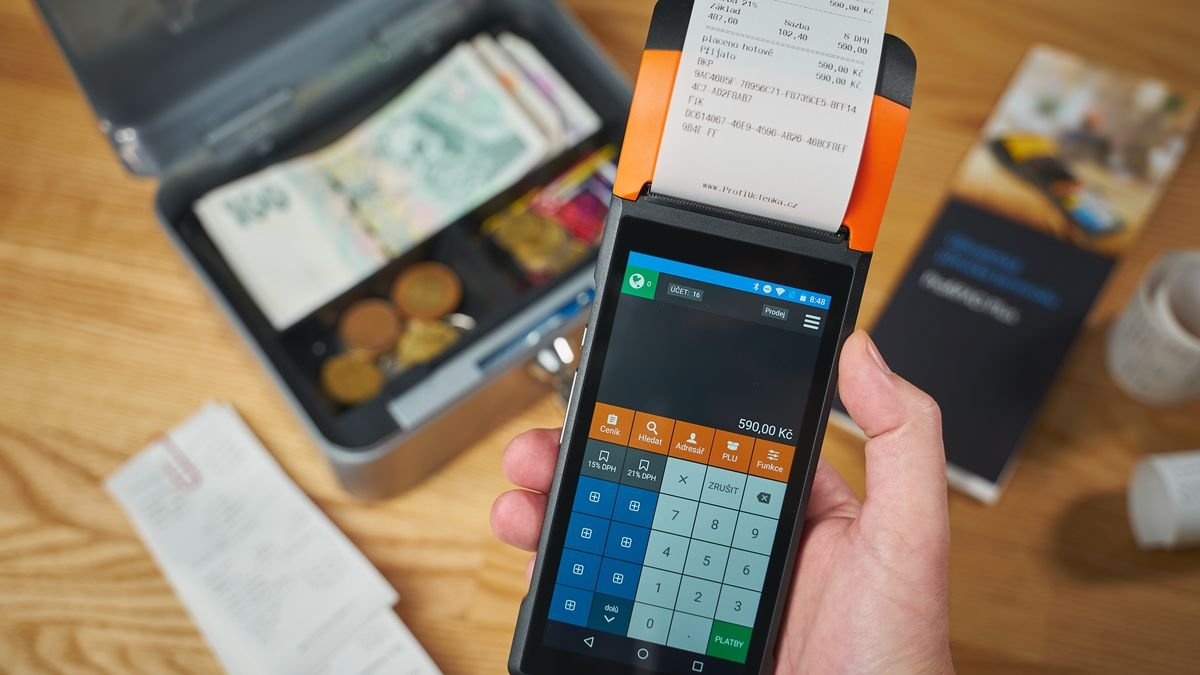
This is often the biggest cost if you choose wrongly. The good news is that browser-based POS apps can run on:
- Android tablets,
- iPads,
- Windows PCs or laptops.
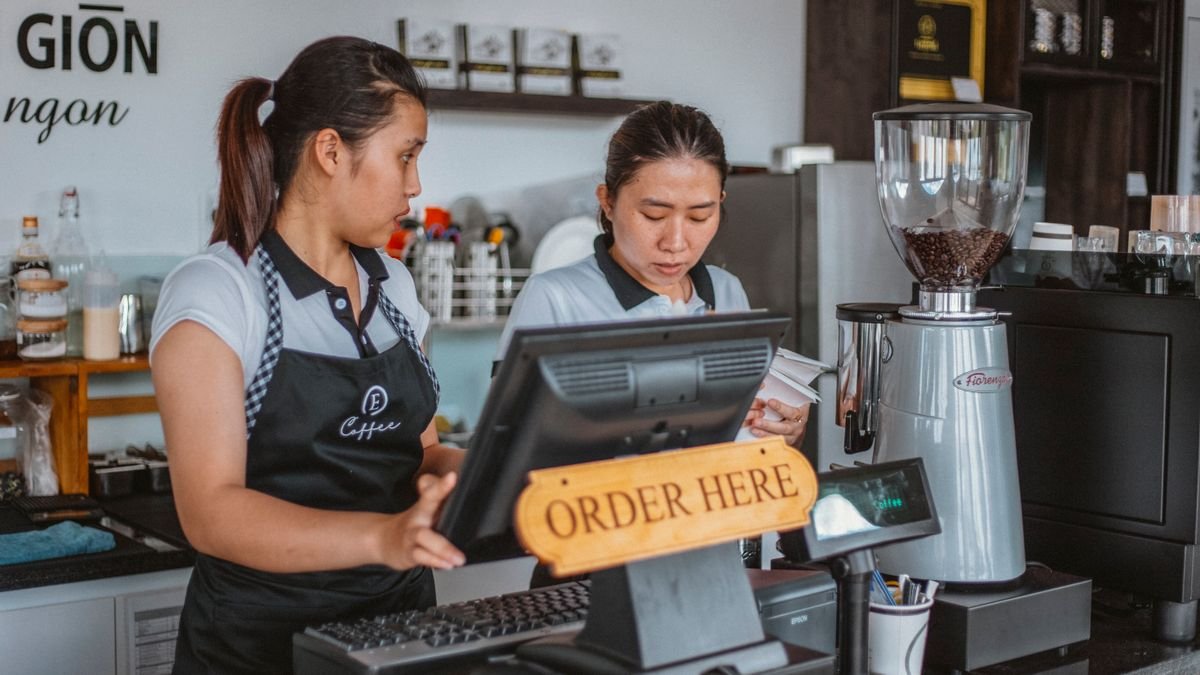
If you already own a tablet or laptop, you most likely do not need to buy a new one. For a small café, one tablet at the counter is usually enough. Add a second screen in the kitchen if orders often pile up.
3. Receipt printer
Thermal printers are used for customer receipts and kitchen tickets. They are not required if digital receipts are enough, but most cafés still use one. Choose one that matches your paper size (58 mm or 80 mm) and can connect to your cashier device.
4. Internet
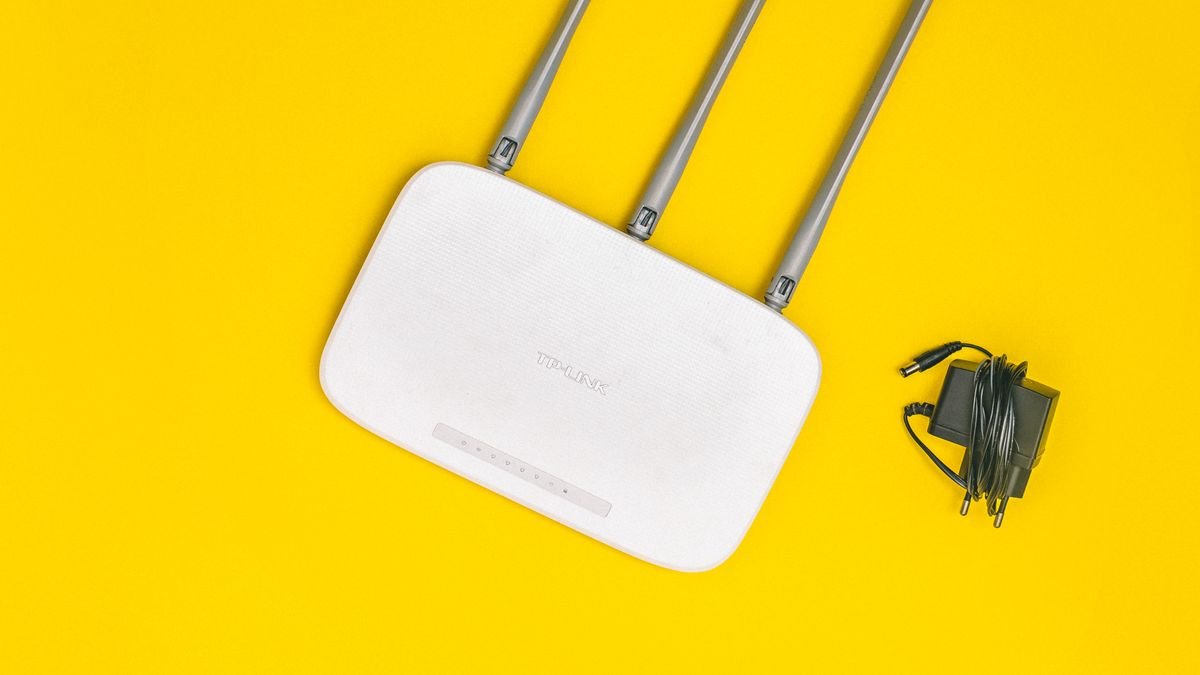
Cloud-based POS apps need a stable connection. In Bali, especially in villa and rice-field areas such as parts of Ubud, the signal can be unreliable. Consider:
- a main connection (fiber) plus a backup (modem or hotspot),
- separate Wi-Fi for the cashier and for guests, so transactions do not slow down when the café is crowded.
5. Setup and menu entry
Entering your menu, prices, variants (spice level, extra toppings, no ice), and tables takes time. Ask whether the provider helps with the initial setup. Also make sure that after setup you can change menus and prices yourself at any time, at no extra cost.
Tips to avoid wasted spending
- Start with one device. Add a kitchen display or printer once you know what you really need.
- Use devices you already have. Choose an app that runs in a browser.
- Check the reports you need. Per-shift and per-menu reports show which items sell best.
- Choose a provider that is easy to reach. When something goes wrong, quick help by WhatsApp or an on-site visit beats waiting for an email.
Conclusion
The cost of a POS app for a café consists of the subscription, devices, printer, internet, and setup. With a browser-based app and devices you already own, the upfront cost can be kept very low.
Before choosing, write down what your café needs: how many tables, how many cashiers, whether you need a kitchen display, and which reports you open most often. With that list, comparing offers from several providers becomes much easier.